
Immich Mount puts a self-hosted Immich library in Files, Dolphin, Finder and every file open and upload dialog, as a drive called Immich Mount. Attach your holiday photos to an email, open a video in your editor, or drop new pictures in to upload them, without downloading the library first.
At home on your desktop
The same drive everywhere, and on each platform an app that looks and works like the platform's own: no foreign toolkit and no theme of its own.

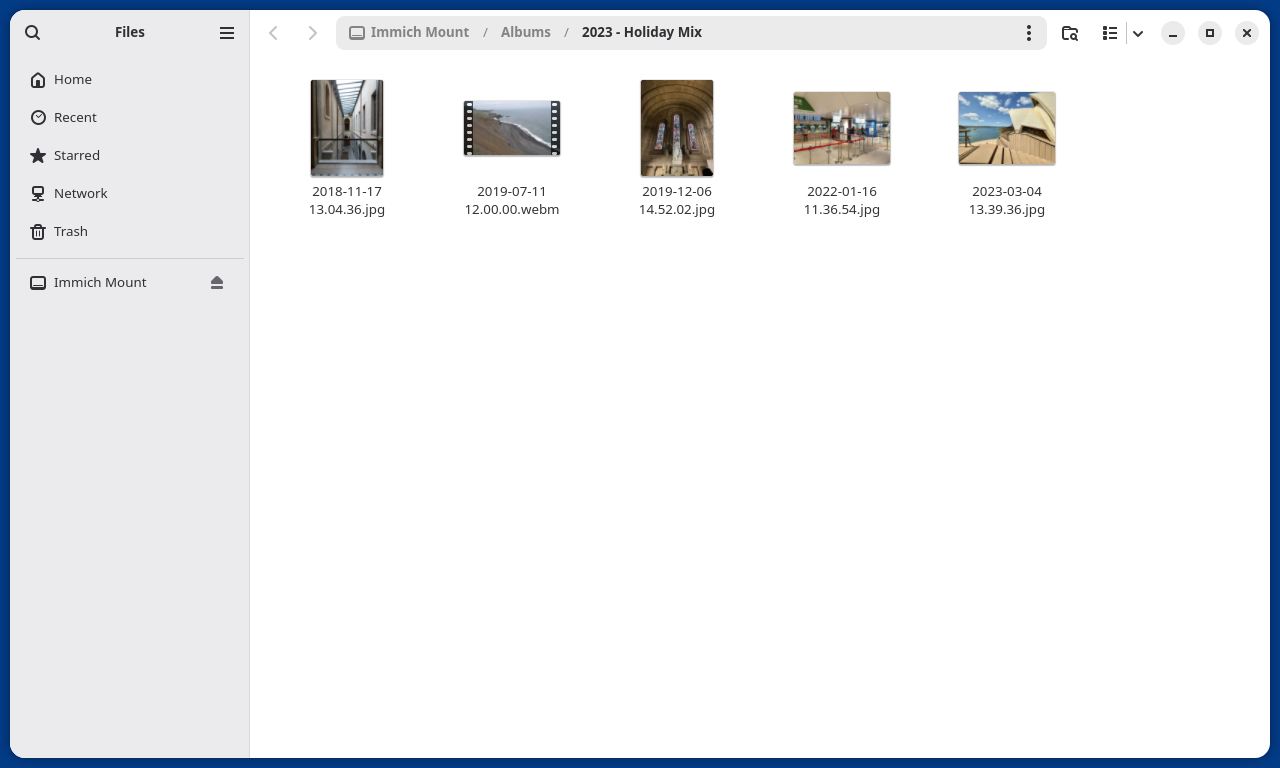
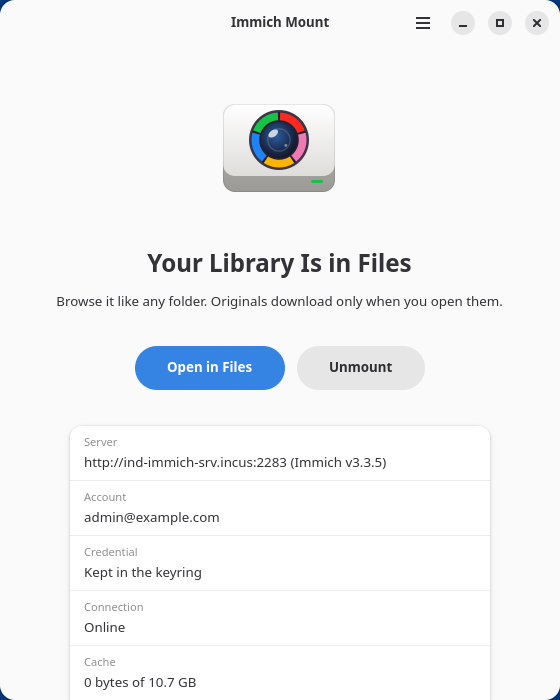
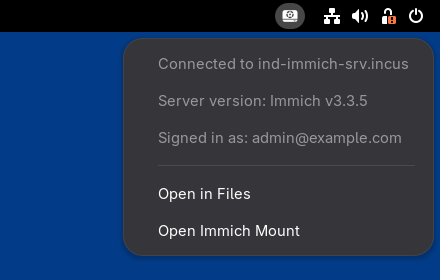
GNOME
A libadwaita app, the drive in Files' sidebar with its eject button, the credential in GNOME Keyring, and a tray icon where the AppIndicator extension is on.
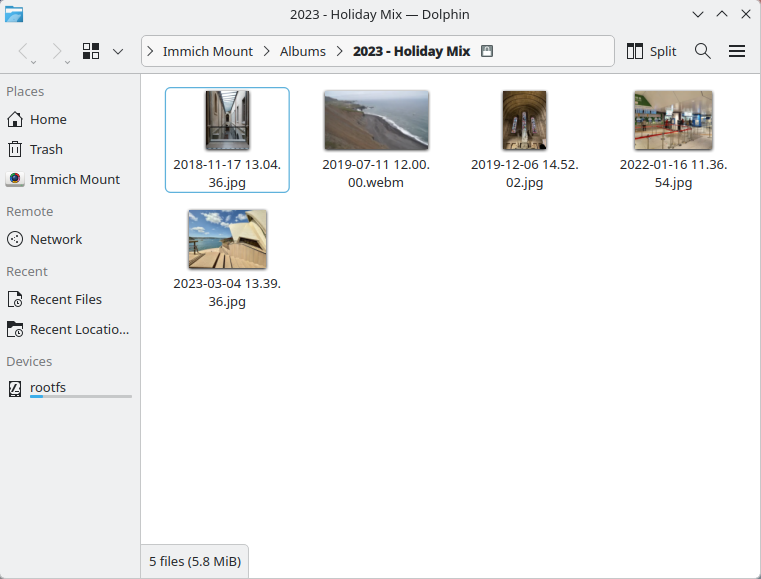
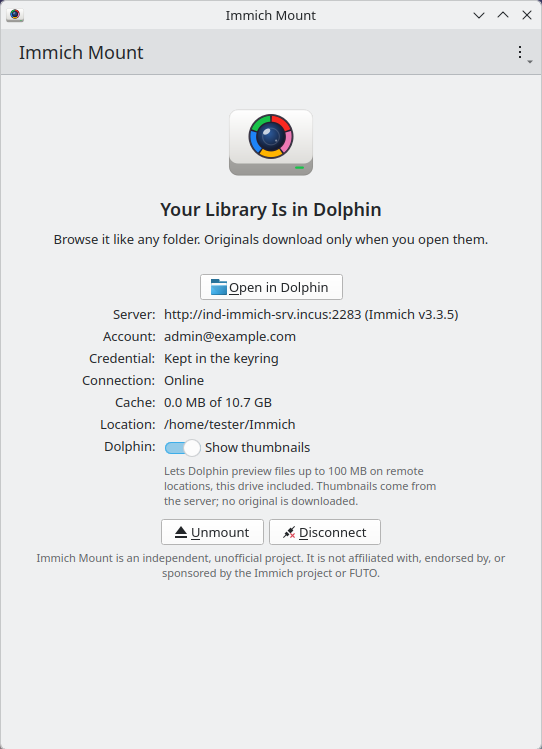
KDE Plasma
A Kirigami app, the drive in Dolphin's Places with thumbnails from the server, the credential in KWallet, and a tray icon in Plasma's system tray.
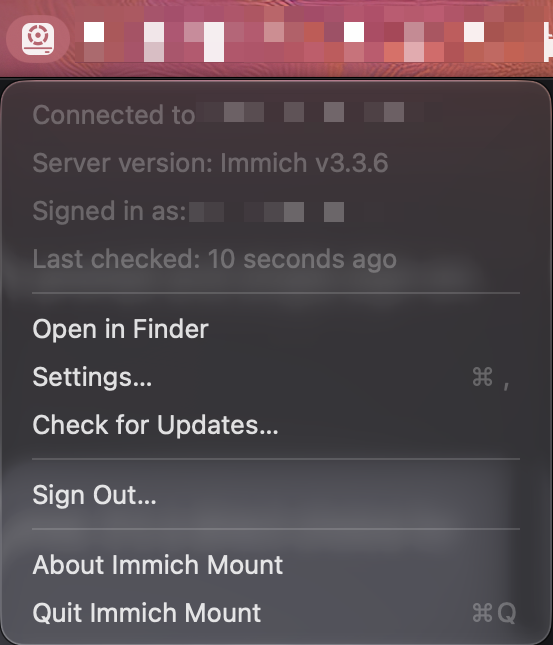
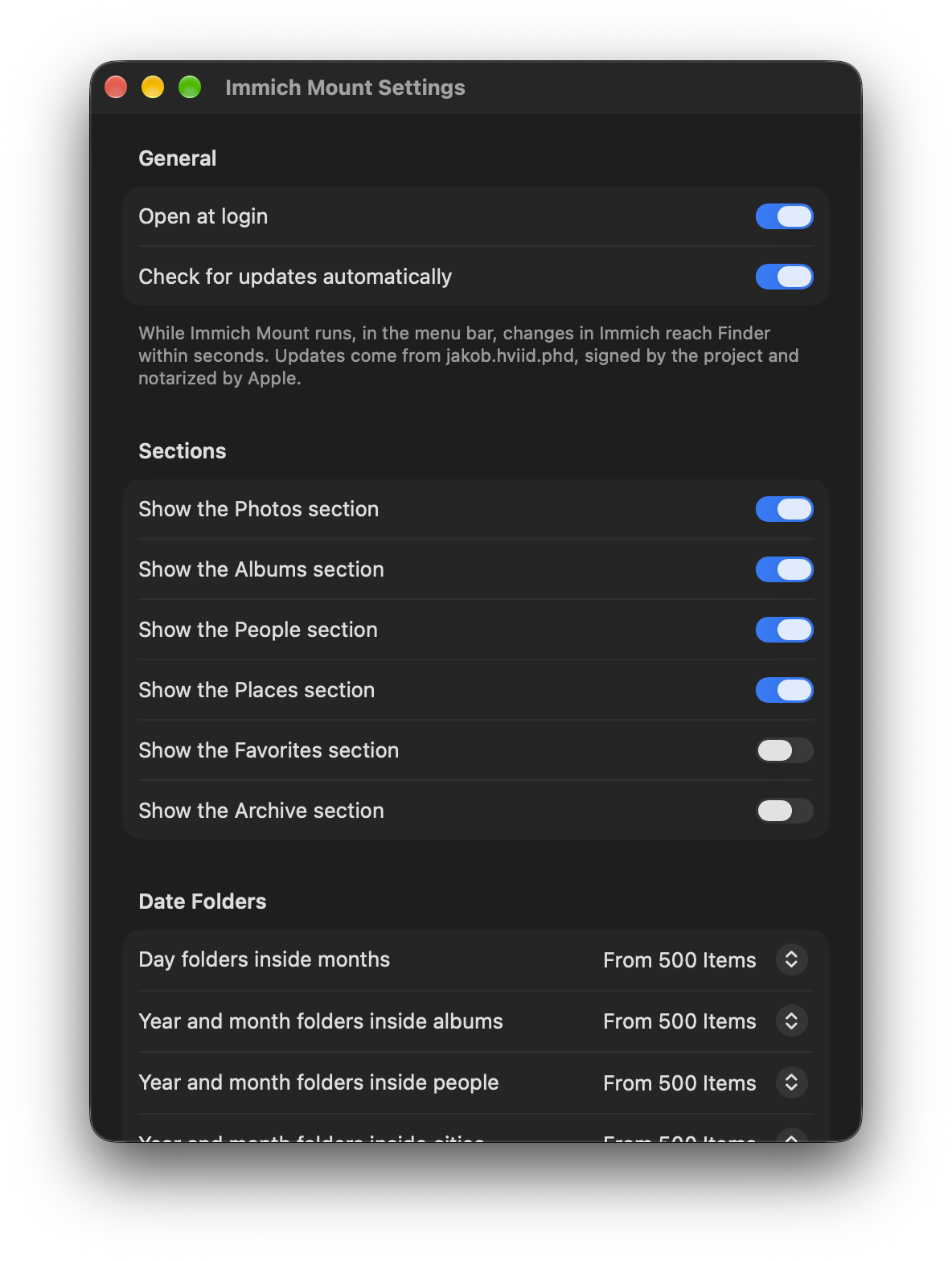
macOS
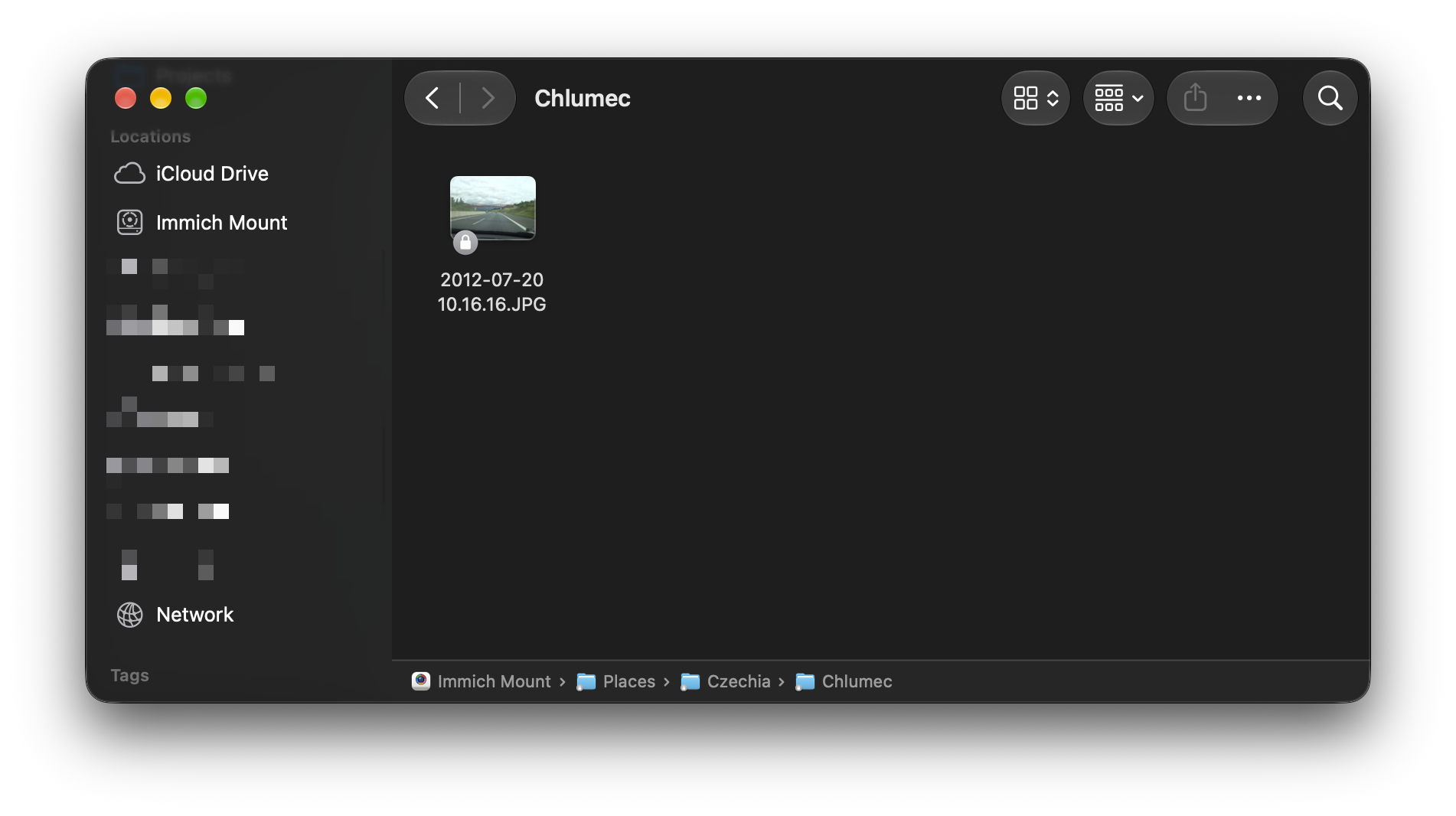
A menu bar app, the library in Finder's sidebar through Apple's File Provider, as iCloud Drive's is, the credential in the Keychain, and updates signed by the project and notarized by Apple.
What it does
Your library as folders
The timeline by year and month, albums, people and places, named the way Immich names them.
Thumbnails from the server
Browsing a folder never downloads the photos in it.
Originals on demand
A file is fetched only when a program opens it, and only the parts it reads: a video seeks without downloading the whole file.
Uploads by copy and move
Drop photos and videos into Upload and they are uploaded unchanged. A move never loses a photo; every other folder is a read-only view.
Changes within seconds
What changes in Immich shows in the drive within seconds.
Native on your desktop
GTK and libadwaita on GNOME, Kirigami on KDE Plasma, a tray icon where the desktop has a tray, and on the Mac a menu bar app with Finder's own integration. In English and 20 more languages.
What it does not do
Sync or mirror your library: libraries of hundreds of gigabytes stay on the server. Edit, rename or delete what is already in Immich, or replace Immich's own apps: browsing photo by photo, search, faces, sharing and editing stay in Immich's web and mobile apps.
Install
You need an Immich server at v3.2 or later.
Linux for your system
With Homebrew, on any Linux that has it (Bazzite included, with nothing layered onto the system), the tap is trusted once, as Homebrew 6 and later ask, and one command then installs the app, the drive and the command line:
brew trust --tap jakobhviid/tap
brew install jakobhviid/tap/immich-mount
Or the packages of version 2.25.0:
| Fedora 44 | immich-mount, plus the GNOME app or the KDE app |
|---|---|
| Ubuntu 26.04, Kubuntu 26.04 | immich-mount, plus the GNOME app or the KDE app |
| Fedora 43, Ubuntu 24.04, Debian 13 | The drive and the command line, without the app: .rpm or .deb (x86_64); .rpm or .deb (ARM) |
| A server, with Homebrew | brew install jakobhviid/tap/immich-mount-headless |
| Any other Linux | A static binary with its user service: x86_64 or ARM |
sudo dnf install ./immich-mount*.rpmsudo apt install ./immich-mount*.debThen open Immich Mount from the app grid, enter your server's address and sign in. More, from settings to troubleshooting: WORKFLOWS.md.
macOS for your system
One app for Apple silicon and Intel Macs, on macOS 14 or later, signed and notarized by Apple. It lives in the menu bar, and your library in Finder's sidebar.
Or with Homebrew:
brew install --cask jakobhviid/tap/immich-mountVersion 2.25.0. Open the disk image, drag Immich Mount into Applications and open it from there. Sign in, then switch Immich Mount on in System Settings, under General, Login Items & Extensions, File Providers: the app shows the way.